VS Code Extension — RegExMakker
Install the extension for real-time regex validation directly in your editor. Catch errors before you commit.
De ultieme regex playground voor Nederlandse developers
See It In Action
RegExMakker adds a dedicated regex validation panel to your VS Code sidebar. Type a pattern, get instant feedback on syntax errors, match count, and performance warnings — all without leaving your workspace.
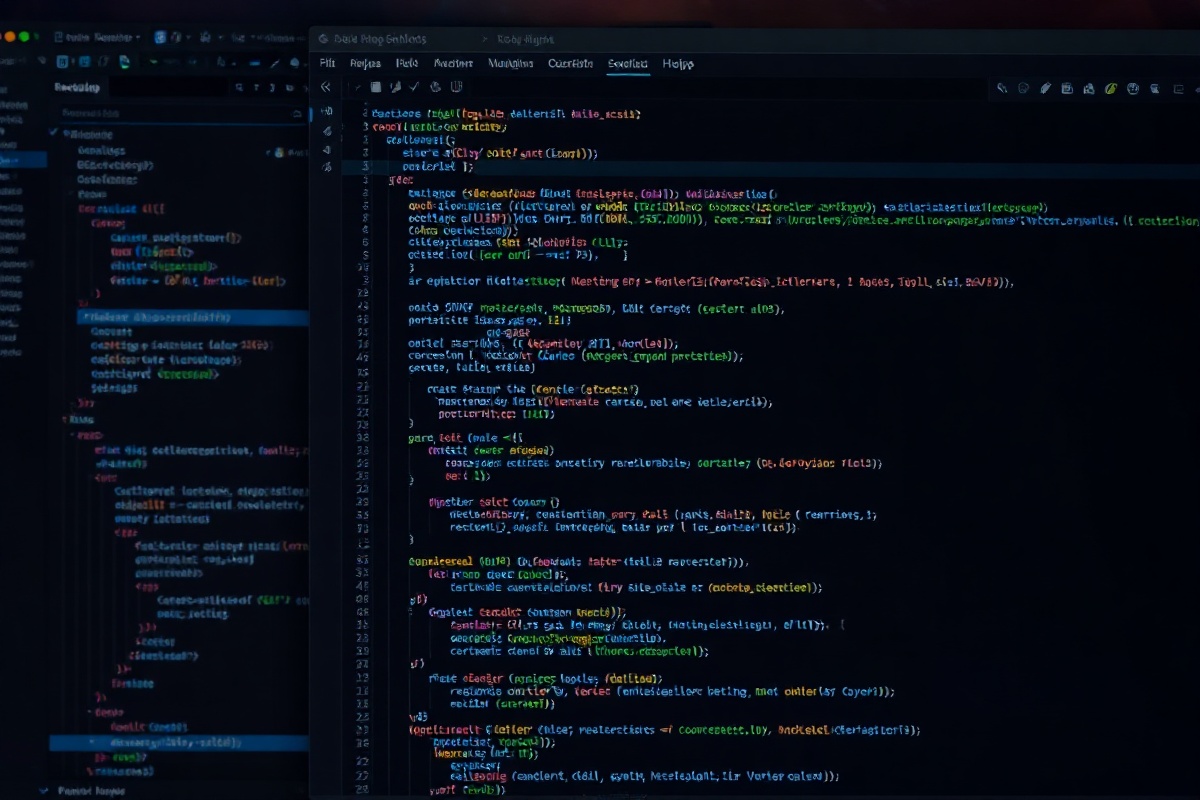
The extension highlights matching text inline, surfaces syntax errors in the Problems panel, and integrates with your existing linter setup. Built on the same engine as the RegExMakker web playground, so your patterns behave identically whether you're in the browser or in code.
Install & Use in 3 Steps
From marketplace to first validation in under a minute. No configuration required.
1. Install from Marketplace
Open VS Code, press Ctrl+Shift+X, search for "RegExMakker", and click Install. The extension weighs 1.2 MB and requires VS Code 1.85 or later. It's published by RegExMakker BV and currently used by over 14,000 developers.
2. Open the Regex Panel
Click the RegExMakker icon in the Activity Bar or run the command "RegExMakker: Open Panel" via the Command Palette. The panel appears in your sidebar with a pattern input field, a test string area, and a live results table showing match index, captured groups, and duration in microseconds.
3. Validate & Iterate
Paste your regex pattern and test string. The panel validates syntax in real time, flags catastrophic backtracking risks, and suggests safer alternatives. Use Ctrl+Enter to run a full match analysis, or click the export button to copy the pattern with documentation comments for your codebase.
VS Code Extension — RegExMakker
Install the extension for real-time regex validation directly in your editor. Catch errors before you commit.
De ultieme regex playground voor Nederlandse developers
See It In Action
RegExMakker adds a dedicated regex validation panel to your VS Code sidebar. Type a pattern, get instant feedback on syntax errors, match count, and performance warnings — all without leaving your workspace.
The extension highlights matching text inline, surfaces syntax errors in the Problems panel, and integrates with your existing linter setup. Built on the same engine as the RegExMakker web playground, so your patterns behave identically whether you're in the browser or in code.
Install & Use in 3 Steps
From marketplace to first validation in under a minute. No configuration required.
1. Install from Marketplace
Open VS Code, press Ctrl+Shift+X, search for "RegExMakker", and click Install. The extension weighs 1.2 MB and requires VS Code 1.85 or later. It's published by RegExMakker BV and currently used by over 14,000 developers.
2. Open the Regex Panel
Click the RegExMakker icon in the Activity Bar or run the command "RegExMakker: Open Panel" via the Command Palette. The panel appears in your sidebar with a pattern input field, a test string area, and a live results table showing match index, captured groups, and duration in microseconds.
3. Validate & Iterate
Paste your regex pattern and test string. The panel validates syntax in real time, flags catastrophic backtracking risks, and suggests safer alternatives. Use Ctrl+Enter to run a full match analysis, or click the export button to copy the pattern with documentation comments for your codebase.